


Is Your iPhone 12’s Battery Running Out of Juice?
- Apr 28, 2025
- 2 min read
If your iPhone 12’s battery is draining faster than usual, you’re not alone. Over time, batteries degrade, leading to shorter battery life and frequent charging. Whether you're experiencing unexpected shutdowns or sluggish performance, here’s how you can fix your iPhone 12’s battery issues. Read till the last .

1. Check Battery Health
Your iPhone 12 has a built-in battery health feature that helps track battery performance. To check it:
Go to Settings > Battery > Battery Health & Charging. If the maximum capacity is below 80%, it’s time to consider an iPhone battery replacement in Gold Coast. A lower capacity means your iPhone won’t hold a charge as efficiently, leading to frequent recharges.
2. Adjust Power-Hungry Settings
Some settings can drain your battery faster than necessary. Try these simple adjustments:
Lower Screen Brightness: Reduce brightness manually or enable Auto-Brightness.Disable Background App Refresh: Go to Settings > General > Background App Refresh and turn it off for non-essential apps.Turn on Low Power Mode: This feature reduces background activity to extend battery life.
3. Update iOS and Apps
Keeping your iPhone 12 updated ensures that you have the latest battery optimisations. Go to Settings > General > Software Update and install any pending updates. In addition to this, make sure that your apps are updated to prevent background processes from consuming excess battery.
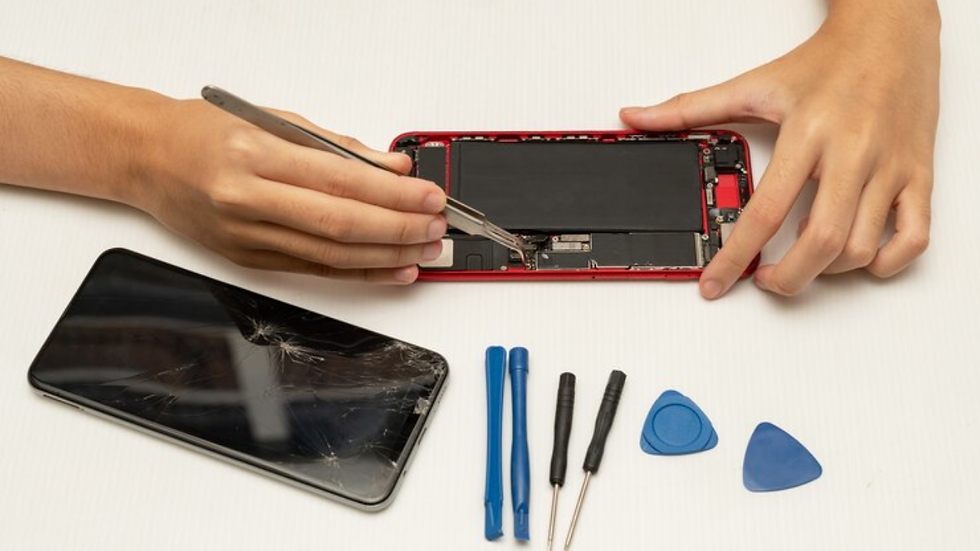
4. Consider a Battery Replacement
If your iPhone 12’s battery health has significantly declined, the best long-term fix is an iPhone battery replacement in Gold Coast. Visit a trusted repair shop for a cost-effective replacement.
The Bottom Line
A dying battery doesn’t mean you need to replace your iPhone. By adjusting settings, updating software, and replacing the battery if needed, you can keep your iPhone 12 running efficiently. If battery life is still an issue, professional iPhone repairs in Gold Coast can help restore optimal performance.

Comments